Team Members Settings
Set the default sidebar layout and navigation for Highend's Team Members post type.
These settings apply to the team member page templates, shortcodes, and widgets.
Where to find it: Go to HighendHighend OptionsTeam Members Settings.
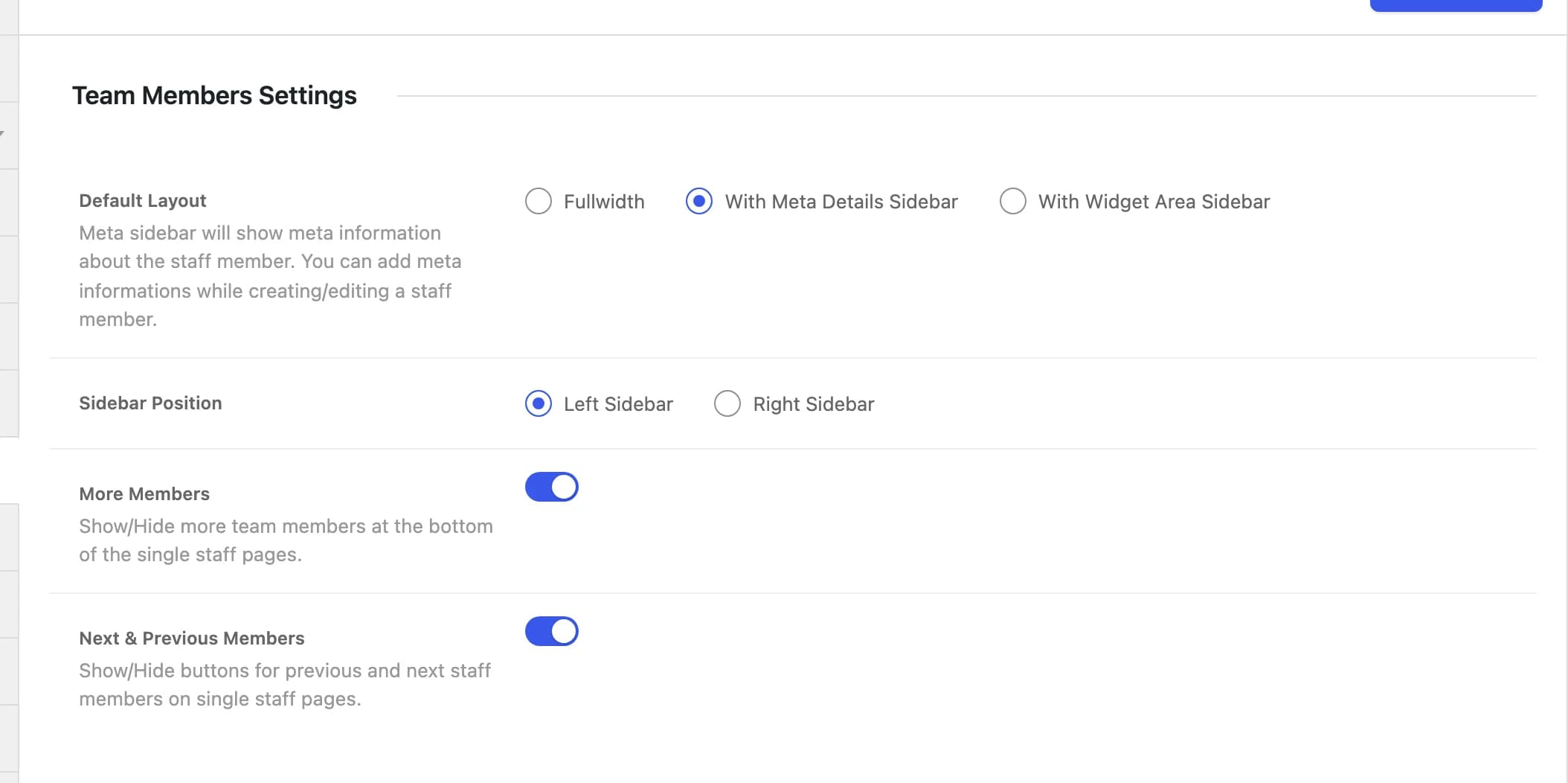
Only visible when the Team Members module is on
This tab only appears if the Custom Post Type: Team Members module is enabled in Highend Modules. It's on by default.
Default LayoutRadioDefault:
With Meta Details Sidebarhb_staff_layoutSidebar layout for a single team member: Fullwidth, With Meta Details Sidebar (shows the meta fields you fill in on the member, like position and social links), or With Widget Area Sidebar.
Sidebar PositionRadioDefault:
Left Sidebarhb_staff_sidebar_sideWhich side the sidebar renders on, when Default Layout isn't Fullwidth.
More MembersSwitchDefault:
Onhb_staff_enable_related_postsShows other team members at the bottom of the single member page.
Next & Previous MembersSwitchDefault:
Onhb_staff_enable_next_prevShows next/previous member navigation buttons.