Layout
Choose between a boxed or stretched site layout, set its background, and pick a default content width.
General Layout is the first sub-tab under Layout Settings. It controls whether your site fills the browser or sits in a centered container, and the default width of your content.
Where to find it: Go to HighendHighend OptionsLayout SettingsGeneral Layout.
Stretchedhb_global_layoutBoxed wraps the whole site in a centered container with its own background, showing the page's background color or image on both sides. Stretched fills the full browser width. This can be overridden for an individual page with Site Layout in the Layout tab of its Highend Settings box.
Boxed Layout Settings
This section only appears when Choose Layout is set to Boxed.
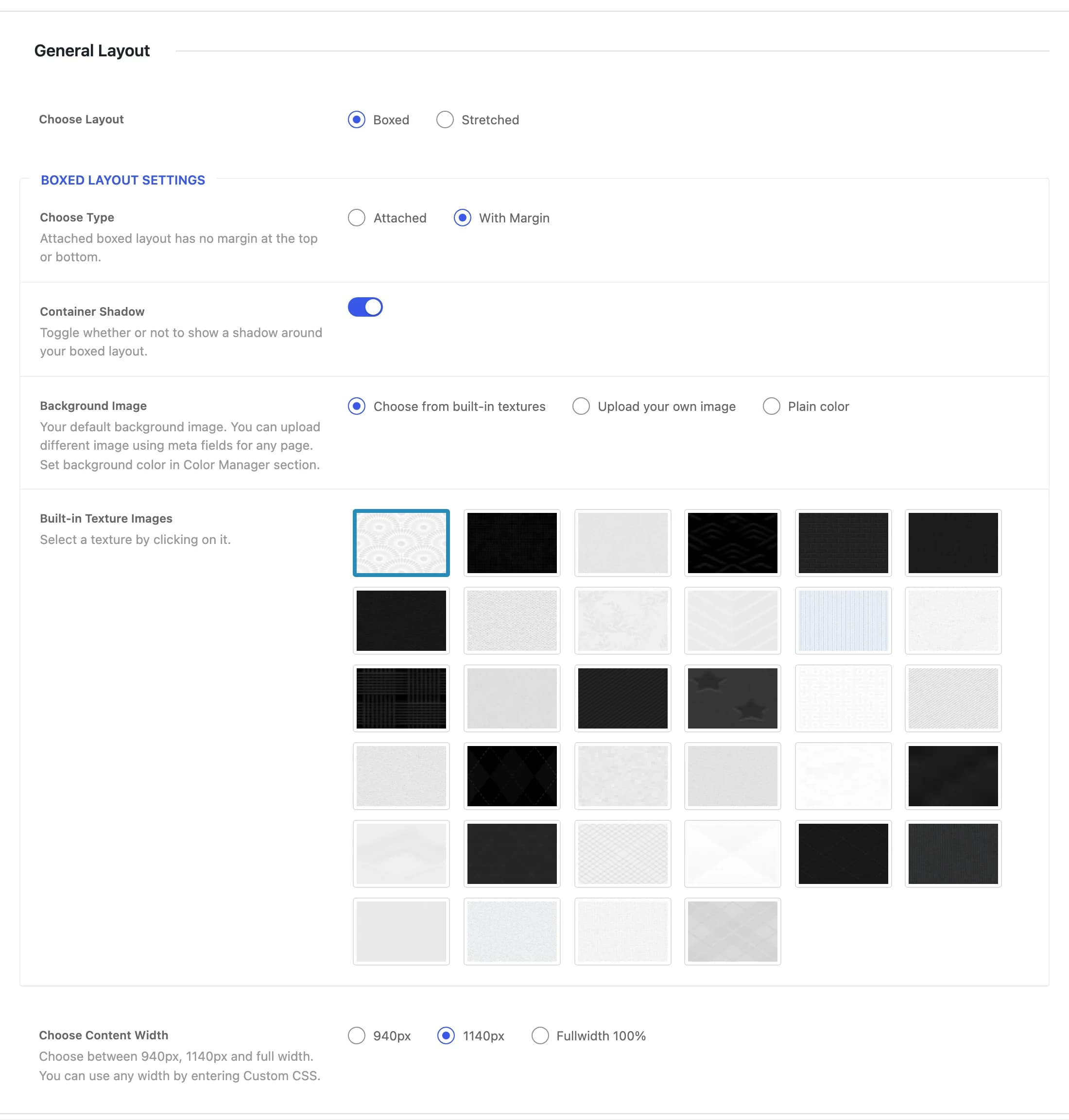
With Marginhb_boxed_layout_typeAttached removes the margin above and below the boxed container, so it touches the top and bottom of the browser window. With Margin adds space around it.
Onhb_boxed_shadowShows a drop shadow around the boxed container.
Choose from built-in textureshb_upload_or_predefined_imageWhat fills the area outside the boxed container. Choose a built-in texture, upload your own image, or use a plain color (set under Color Manager).
First texturehb_predefined_bg_texureA gallery of tileable background textures. Appears when Background Image is set to Choose from built-in textures.
hb_default_background_imageYour own background image. Appears when Background Image is set to Upload your own image; individual pages can override it with their own image.
No Repeathb_background_repeatWhether the uploaded background image tiles. Applies only to an uploaded image, not a built-in texture.
Scrollhb_background_attachmentFixed keeps the uploaded background image in place while the page scrolls over it. Applies only to an uploaded image.
Center Tophb_background_positionAnchor point of the uploaded background image within the viewport. Applies only to an uploaded image.
Onhb_background_stretchStretches the uploaded background image to fill the browser window's dimensions. Applies only to an uploaded image.
Content width
1140pxhb_content_widthMaximum width of the content area: 940px, 1140px, or Fullwidth 100%. For any other width, add it with Custom CSS.