Highend Modules
Turn off the custom post types and theme features you don't use, to trim down the admin menu.
Highend Modules is a set of on/off switches for the theme's optional custom post types and a few built-in features. Turning a module off unregisters it: the admin menu item disappears, its shortcodes and widgets stop working, and any content you already created under it is hidden (not deleted) until you turn the module back on.
Where to find it: Go to HighendHighend OptionsHighend Modules.
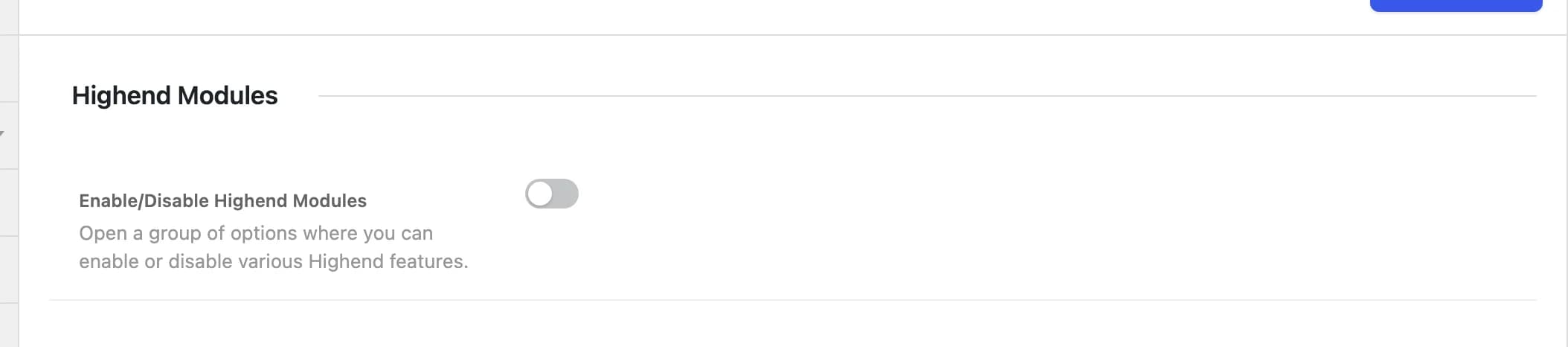
If you've already added portfolio items, team members, or other module content and then disable that module, the post type is unregistered and the content becomes inaccessible on the front end and in the admin. Nothing is deleted. Turn the module back on and everything reappears.
Offhb_control_modulesMaster switch. All the module toggles below are hidden until this is on. With it off, every module below behaves as enabled regardless of its own toggle.
Custom post types
Onhb_module_portfolioRegisters the Portfolio post type, its taxonomy, shortcodes, and widgets. See Portfolio Settings.
Onhb_module_galleryRegisters the Gallery post type.
Onhb_module_team_membersRegisters the Team Members post type and taxonomy. See Team Members Settings.
Onhb_module_faqRegisters the FAQ post type and taxonomy, and the [faq] shortcode.
Onhb_module_testimonialsRegisters the Testimonials post type and taxonomy, the Testimonials widget, and related shortcodes.
Onhb_module_clientsRegisters the Clients post type and taxonomy, and related shortcodes.
Onhb_module_pricing_tablesRegisters the Pricing Tables post type and related shortcodes.
Theme settings
Onhb_module_not_found_pageControls whether 404 Page Settings apply. The 404 template itself always shows; turning this off just reverts its title, subtitle, button, and icon to fixed defaults.
Onhb_module_coming_soon_modeControls whether Coming Soon Mode can be turned on at all. Turning this off disables maintenance mode even if Under Construction Mode is switched on.
Onhb_module_prettyphotoLoads Highend's bundled prettyPhoto lightbox script and styling for image links. Turn it off if you're using another lightbox plugin and want to avoid conflicts.