WooCommerce
How Highend styles and extends WooCommerce: template overrides, the header cart, and product page features.
Highend fully styles WooCommerce and overrides a chunk of its templates to match the theme's layout system. Its integration code only loads once WooCommerce itself is active, so there's no setup needed beyond installing the plugin.
Where to find it: Go to HighendInstall Plugins to install WooCommerce, then HighendHighend OptionsWooCommerce Settings for Highend's shop layout options.
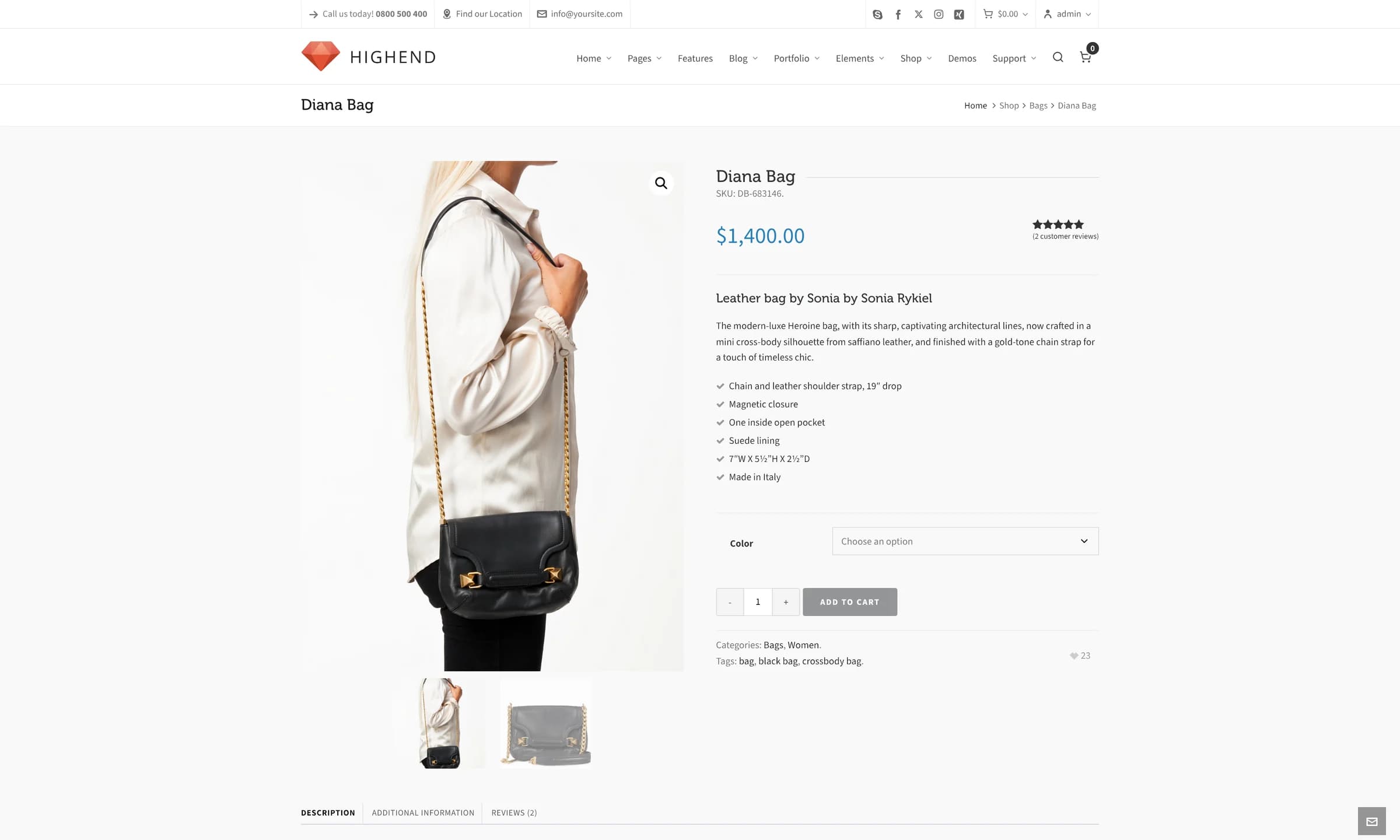
Theme support
Highend declares WooCommerce support along with its gallery zoom, lightbox, and slider features (add_theme_support( 'woocommerce' ), wc-product-gallery-zoom, wc-product-gallery-lightbox, wc-product-gallery-slider). The product gallery's zoom and lightbox behavior on single product pages comes from WooCommerce itself, switched on by the theme.
Template overrides
Highend ships its own versions of these WooCommerce templates, in a woocommerce/ folder at the theme root, so shop, cart, checkout, and product pages match the rest of the site instead of WooCommerce's default markup:
Beyond markup, a few behaviors are Highend-specific: cross-sells move to below the cart totals instead of beside them and display in 2 columns, related products on a single product page are limited to 4 items in 4 columns, and the number of products per page (shop and category archives) follows the Product Count setting in WooCommerce Settings rather than WooCommerce's own default of 12.
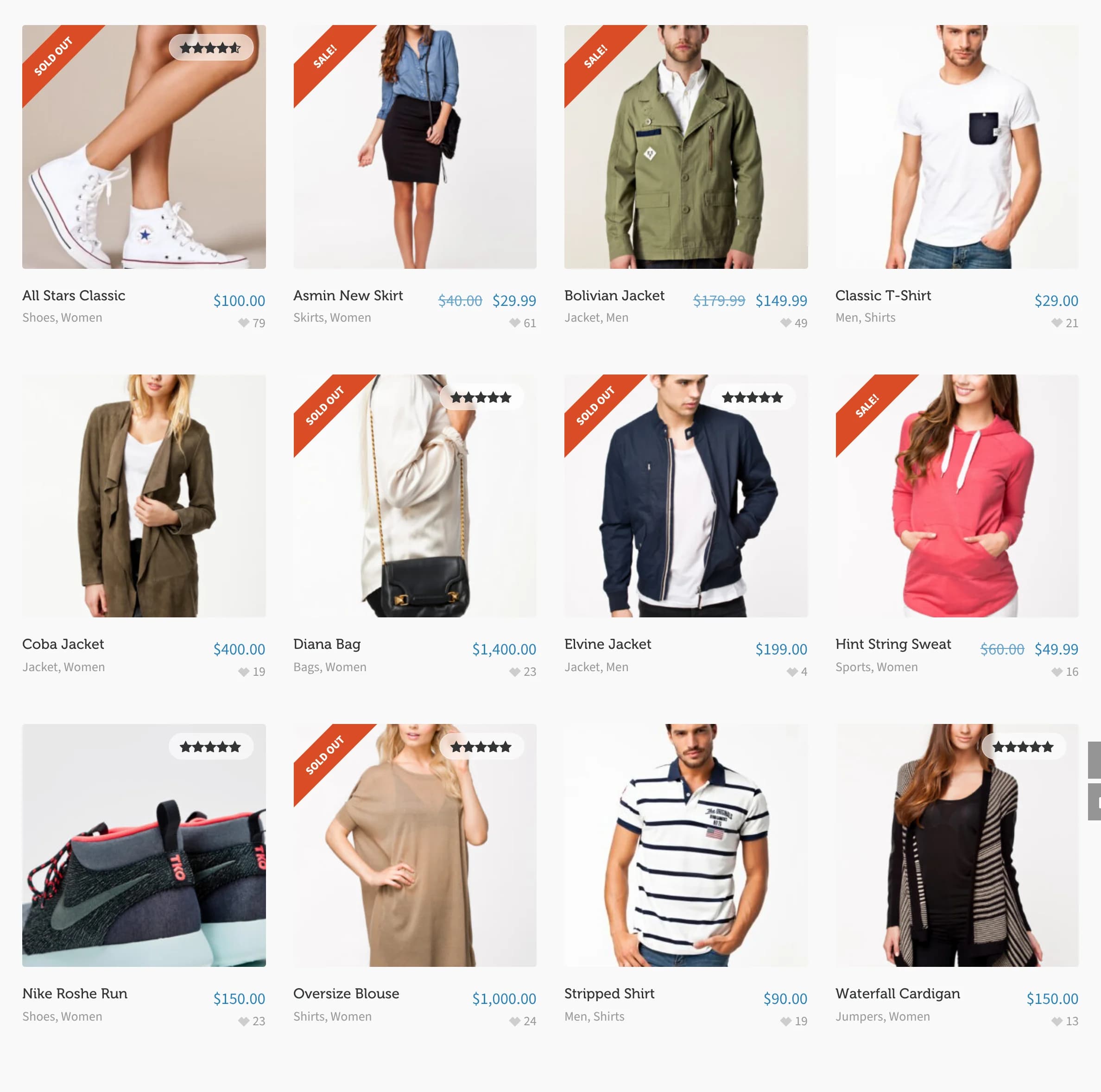
How many products show per row comes from WooCommerce's own Customizer setting, not a Highend option. See AppearanceCustomizeWooCommerceProduct Catalog.
Cart in the header
Turning on Right Widget: Checkout Button in HighendHighend OptionsLayout SettingsHeader Layout adds a dropdown cart widget to the top bar: a cart icon with the running total, opening to a list of items with thumbnails, quantities, prices, and remove links. It only appears once WooCommerce is active.
Product page features
Two more WooCommerce-aware options live in WooCommerce Settings: Enable Likes adds a heart-shaped like button and count on shop, category, and single product pages (visible in the screenshot above), and Enable Notifications shows a small "added to cart" toast when a visitor adds a product.
Highend doesn't register its own WooCommerce image sizes. Product thumbnails and the single-product image use WooCommerce's own sizing, set under AppearanceCustomizeWooCommerceProduct Images.