FAQ
Answer common questions with the FAQ post type, organized into categories and displayed with the FAQ element.
FAQ is a custom post type for frequently asked questions: each item is one question and its answer, with its own page and an optional category.
Where to find it: Go to FAQAdd New FAQ Item.
FAQ is one of Highend's optional modules. If you don't see it in the admin menu, enable it under HighendHighend OptionsHighend Modules. See Modules.
Add an FAQ item
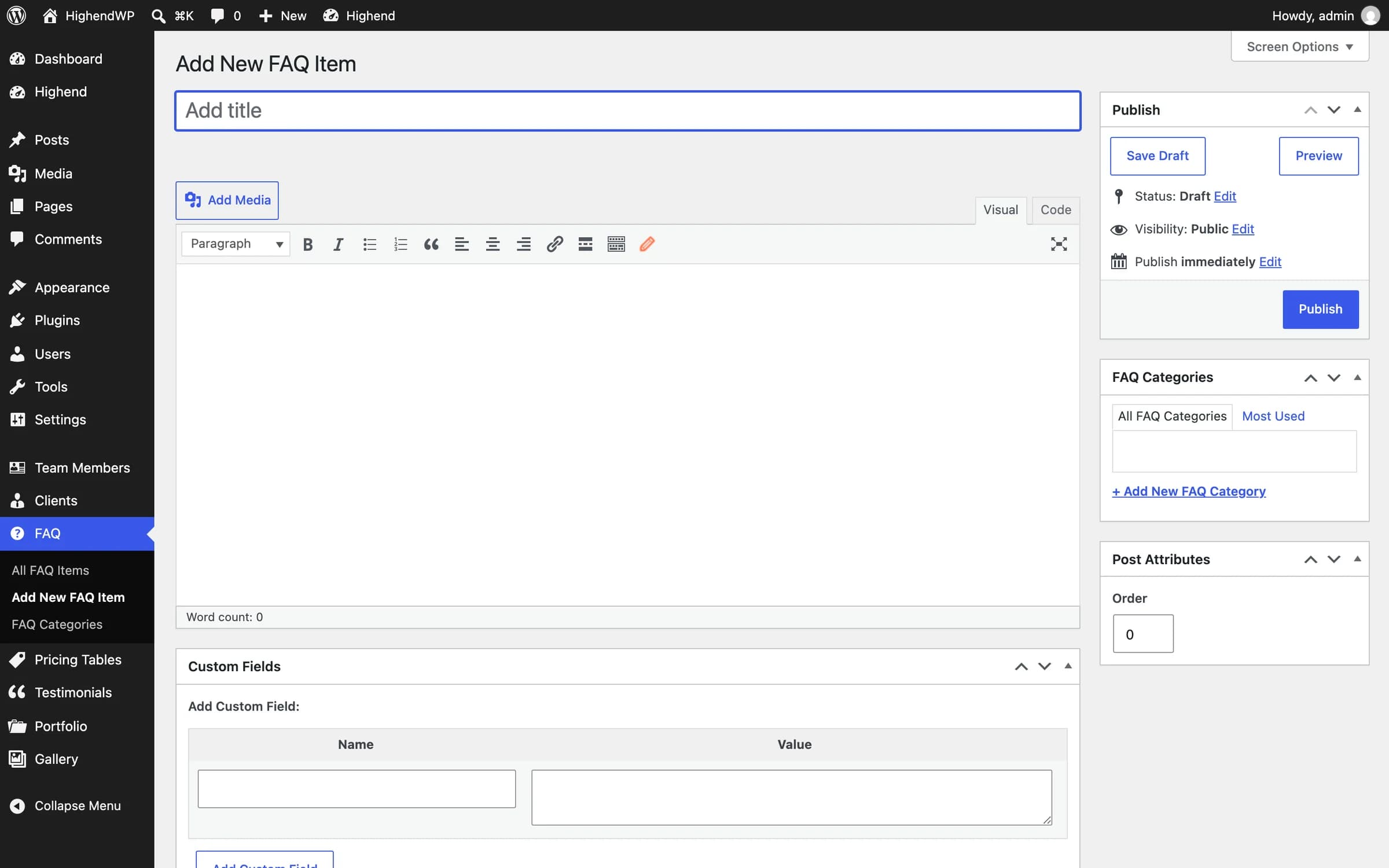
Go to FAQAdd New FAQ Item. Enter the question as the title and the answer in the content editor: FAQ items have no settings of their own.
Below the editor, FAQ items get the Highend Settings box shared with pages, posts, team members, and portfolio items, with the Title, Layout, Header, Footer, Background and Advanced tabs. See Page settings.
Organize FAQ items into categories
Use the FAQ Categories panel in the sidebar to file the item under one or more categories, so you can show only a subset of questions with the category attribute on the FAQ element.
Single FAQ pages
Each FAQ item has its own page: the question as a heading, the answer, its categories, and (depending on Theme Options > Blog) comments, sharing, and a like button.