Widgets
Every custom widget Highend adds to Appearance > Widgets, what each one displays, and its settings.
Highend bundles a set of [HB-Themes]-prefixed widgets alongside the default WordPress ones. Drag them into any sidebar (a built-in widget area or one you've created) from AppearanceWidgets.
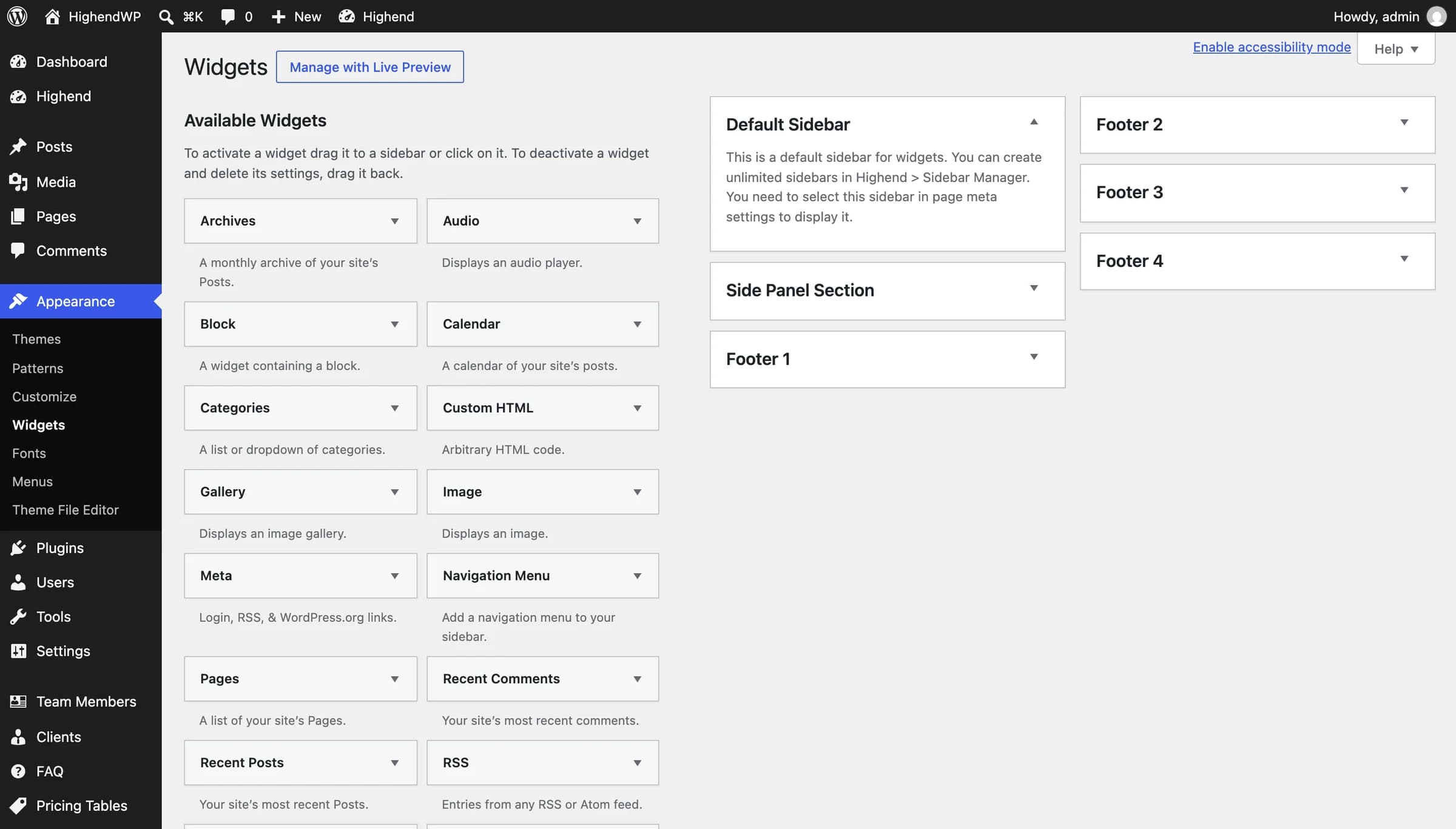 Default Sidebar, Side Panel Section, and Footer 1–4 are registered automatically.
Content widgets
Lists recent blog posts with a thumbnail (or a post-format icon if there's none), title, date, and excerpt. Fields: Title, Number, From Category.
A lighter post list with more control over sorting and what's shown. Fields: Title, Number, From Category, Order By (Date / ID / Title / Author / Modified / Random / Comment Count), Order (Ascending / Descending, default Descending), Show Excerpt?, Show Thumb?.
Lists posts ordered by comment count. Fields: Title, Number, From Category.
Lists posts ordered by post likes. Fields: Title, Number, From Category.
Number: 3A thumbnail grid of your most-liked portfolio items. Fields: Title, Number, From Category (portfolio category).
Number: 9A thumbnail grid of your latest portfolio items, in menu order. Fields: Title, From Category, Portfolio Item Number.
Number: 9The same grid as above, but in random order each time the widget renders. Fields: Title, From Category, Portfolio Item Number.
A slider of testimonials, reusing the same content and author fields as the Testimonial Slider element. Fields: Title, Number of testimonials, From Category, Order testimonials by (Date / Random / Menu Order), Order in (Ascending / Descending).
Comment Count: 5Lists recent approved comments with the commenter's avatar. Field: Comment Count.
Displays up to five image ads, each linking out to a URL. Fields: Title, Open in new tab?, and an image + link URL pair for each of AD #1–AD #5.
Contact and social
A simple list of business contact details. Fields: Title, Person, Company, Address, Phone, Fax, Email, Website, Skype Username.
Icon Size: Normal, Icon Style: DarkDisplays the social icons configured in Social theme options. Fields: Title, Icon Size (Large / Normal / Small), Icon Style (Dark / Light).
Zoom Level: 14Embeds a map (OpenStreetMap or Google Maps, per Map Settings) centered on a latitude/longitude you provide, with a single marker that uses the Map Settings custom marker image if you've set one. Called [HB-Themes] Google Maps before 4.5.1. Fields: Title, Latitude, Longitude, Zoom Level (1–19), Height of the map, Map Style (Default, Light, or Dark; OpenStreetMap only), and checkboxes for Enable Scroll Wheel, Enable Pan Control, Enable Zoom Control, Enable Map Type Control, Enable Scale Control, Enable Draggable, Enable Border.
With OpenStreetMap as the map provider, the Map widget works without any setup. With Google Maps, it needs the Google Map API Key set in HighendHighend OptionsMap Settings, and Google requires billing to be enabled on the key's project. The map type, scale and pan checkboxes only apply to Google Maps.
Social network widgets
Number: 9A thumbnail grid of a Flickr user's latest public photos. Fields: Title, Flickr username or user ID (for example flickr or 66956608@N06), How many items to show?.
Number: 9A thumbnail grid of a Pinterest user's latest pins. Fields: Title, Pinterest Username, How many items to show?.
Embeds a Facebook Page (its cover, timeline and follower faces) using Facebook's Page Plugin. Fields: Title, Facebook page URL.
The Flickr and Pinterest widgets read each network's public feed from your server, so there are no API keys to set up. WordPress caches the feed for 12 hours, so new photos can take a while to appear. Only public photos and pins are shown.
The Twitter Feed, Dribbble Grid and Google+ Box widgets were removed because the services behind them shut down or no longer allow free access. If you had one in a sidebar, it stops displaying after updating; remove it from AppearanceWidgets. For an X (Twitter) or Instagram feed, use a dedicated plugin.