Add custom CSS
Three places to add your own CSS in Highend, plus the helper classes built into the theme's stylesheet.
Highend gives you three ways to add custom CSS, depending on how broadly you want it applied: the WordPress Customizer, a dedicated field in Highend Options, or a class scoped to a single page or element.
Site-wide, in the Customizer
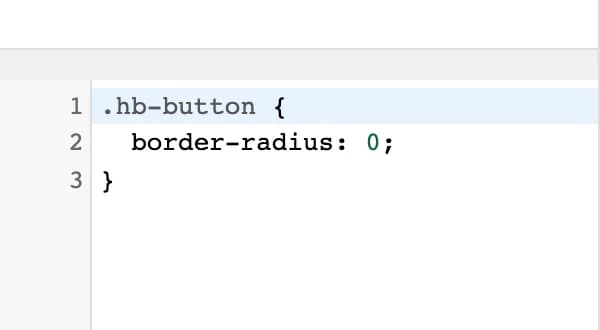
WordPress's built-in Additional CSS panel works normally in Highend.
Where to find it: go to AppearanceCustomizeAdditional CSS.
Site-wide, in Highend Options
Highend also has its own Custom CSS field, which keeps your CSS with the rest of your theme settings instead of in the Customizer.
Where to find it: go to HighendHighend OptionsGeneral Settings.
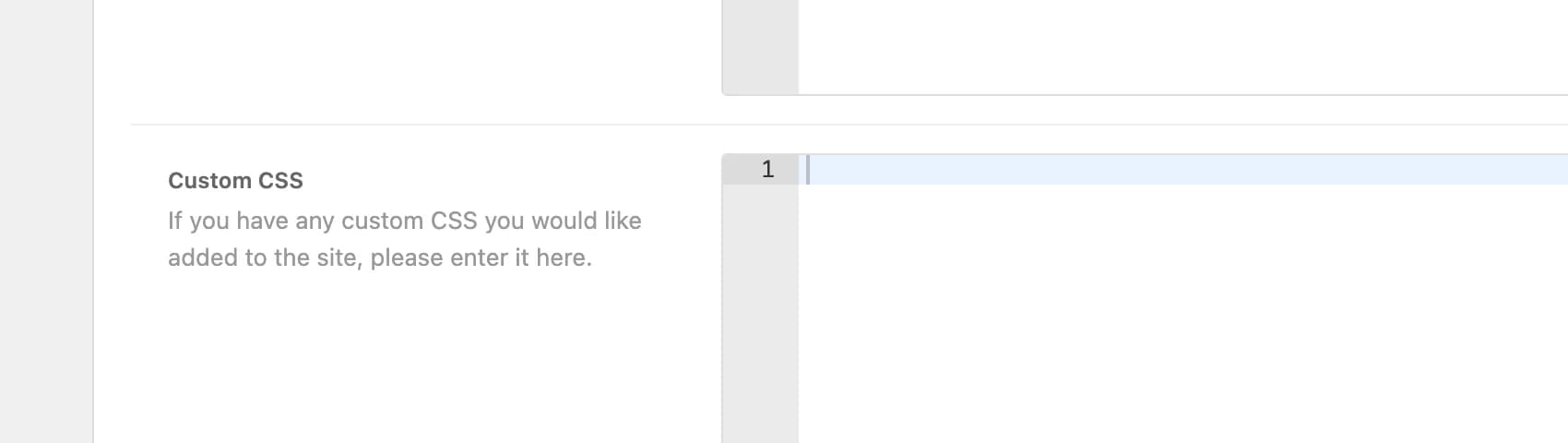
hb_custom_cssAny CSS entered here is merged with your Customizer Additional CSS and regenerated into the site's compiled stylesheet whenever you save.
Both fields end up in the same generated stylesheet, so which one you use is a matter of preference: use whichever you're more likely to remember to check later.
Scoped to one page
Every page, post, portfolio item, team member, and FAQ item has a Body Classes field in the Advanced tab of its Highend Settings box. Whatever you enter there is added to that page's <body> tag, so you can write CSS that only applies to it.
hb_page_extra_classOne or more class names, separated by spaces. Added to the body element of this page only.
/* In Additional CSS, targeting a page with "landing-page" in Body Classes */
body.landing-page #main-nav {
	display: none;
}
Scoped to one element
Most WPBakery rows, columns, and Highend elements have an Extra class name field in their settings panel (under General for rows and columns, Advanced for most other elements). It works the same way: add a class there, then write CSS against it.
Built-in helper classes
Highend's stylesheet includes a small set of utility classes you can drop into any element's Extra class name field:
| Class | Effect |
|---|---|
align-left | text-align: left |
align-right | text-align: right |
no-margin | Removes margin |
no-b-margin (alias nbm) | Removes bottom margin only |
img-link | Makes a linked image display as a block |
clearfix | Standard float clearfix |