Get support
How to reach HB-Themes for help, and what to include in a ticket so it gets resolved faster.
If this documentation doesn't answer your question, HB-Themes offers direct support to license holders.
Open a ticket
Go to Support and submit a ticket. First you verify your email address and license key; once that passes, the ticket form itself opens. Find your license key in your purchase receipt or the Highend customer portal. The HighendTheme License page in your site's admin only shows its last few characters, not the full key.
What to include
The ticket form asks for a subject, your site's URL, and a description of the issue, and it asks you to confirm you've already deactivated your other plugins to rule out a conflict. Beyond that, including these details up front avoids a back-and-forth before anyone can actually help:
- Your theme version: see below.
- Your WordPress and PHP versions: both are listed under ToolsSite HealthInfo.
- What you did and what happened: the steps to reproduce the problem, and how the result differed from what you expected.
- A screenshot or short recording, especially for a visual or layout issue.
Find your theme version
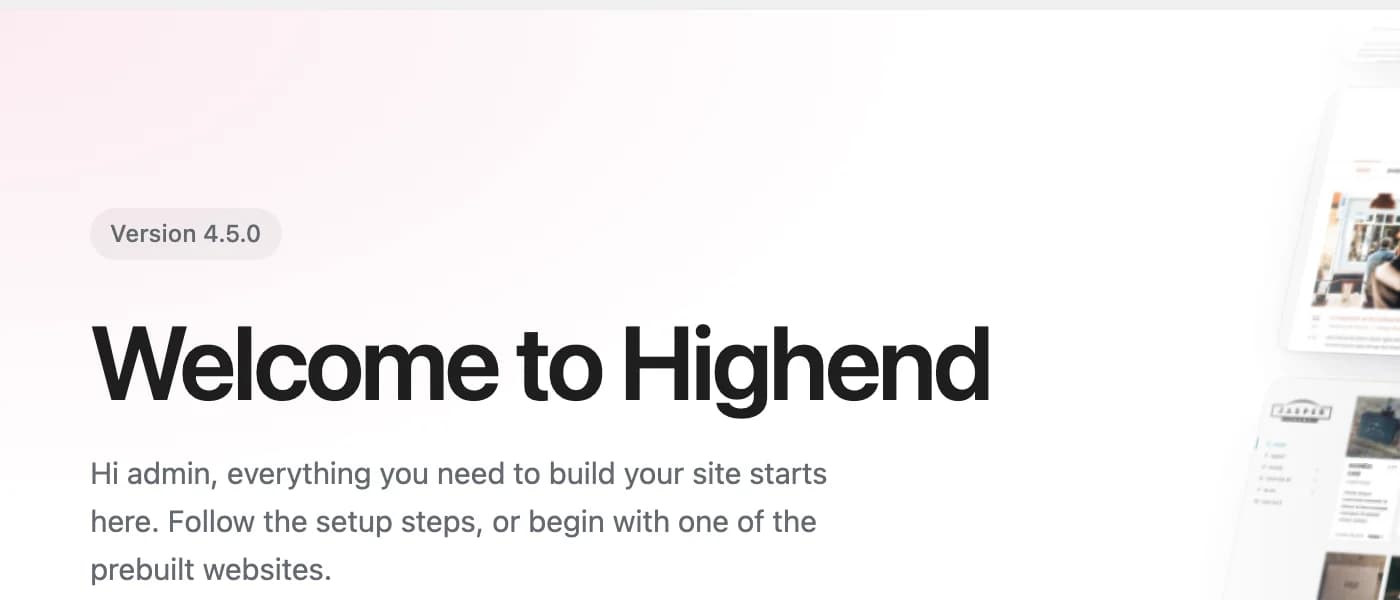
Go to HighendAbout. Your installed version is shown near the top of the page.