Sidebars
Use Highend's built-in widget areas or create unlimited custom sidebars and assign them to individual pages.
Beyond the widget areas WordPress themes normally ship with, Highend lets you create any number of custom sidebars and assign a different one to each page, post, or other content type.
Where to find it: Go to HighendManage Sidebars.
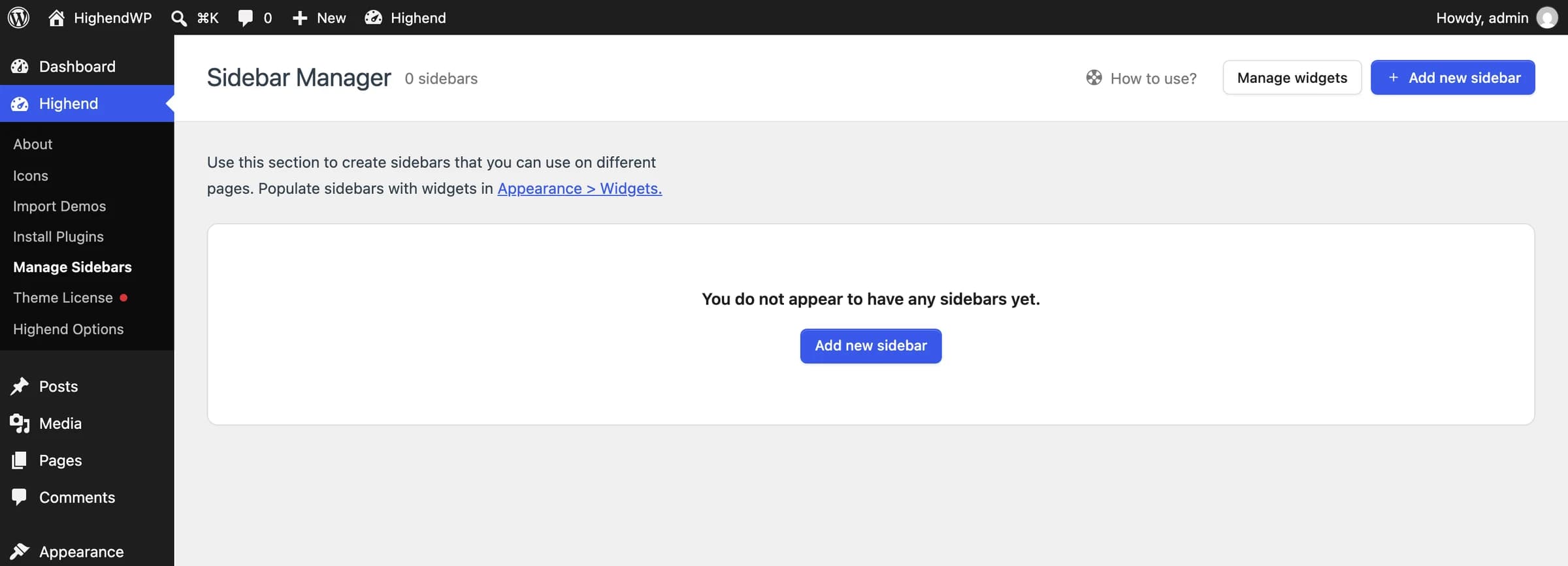 Add new sidebar creates a widget area you can assign to any page.
Built-in widget areas
Highend registers these widget areas out of the box. They're always available in AppearanceWidgets, whether or not you create any custom sidebars.
| Widget area | ID | Used for |
|---|---|---|
| Default Sidebar | hb-default-sidebar | The sidebar shown when a page or post's layout uses a sidebar and no custom sidebar is chosen. |
| Side Panel Section | hb-side-section-sidebar | The offset side panel, if enabled in Highend Options > Layout Settings > Header Layout. |
| Footer 1 – Footer 4 | custom-sidebar0–custom-sidebar3 | The footer's widget columns. |
Create a custom sidebar
Open Manage Sidebars
Go to HighendManage Sidebars and click Add new sidebar.
Name it
Enter a Sidebar Name and a Description, then save. The new sidebar is registered immediately and appears in AppearanceWidgets.
Add widgets to it
Go to AppearanceWidgets and drag widgets into your new sidebar, the same way you would for the Default Sidebar.
Removing a sidebar from Manage Sidebars unregisters its widget area. Any page still set to use it falls back to no sidebar, and its widgets are moved to Inactive Widgets rather than deleted outright.
Assign a sidebar to a page
A custom sidebar only shows up once you tell a specific page (or other content) to use it.
Set the page's layout to a sidebar layout
On the page you want to edit, open the Layout tab of the Highend Settings box below the content and set Sidebar Layout to Right Sidebar or Left Sidebar. Leaving it on Use Highend Options Settings inherits whatever layout is set globally in Highend Options, and Fullwidth hides the sidebar area entirely.
Choose the sidebar
A Sidebar field appears once a sidebar layout is selected. Choose Default Sidebar or any custom sidebar you've created. None uses the sidebar set in Highend Options. If the chosen sidebar has no widgets, the page shows full width instead of an empty column. See Pages for the full Layout tab reference.