Logo
Upload your site logo, a light variant for transparent headers, and retina versions of each.
Logo Settings holds every logo upload Highend uses: your default logo, a light variant for transparent headers, retina versions of both, and the WordPress login screen logo.
Where to find it: Go to HighendHighend OptionsLogo Settings.
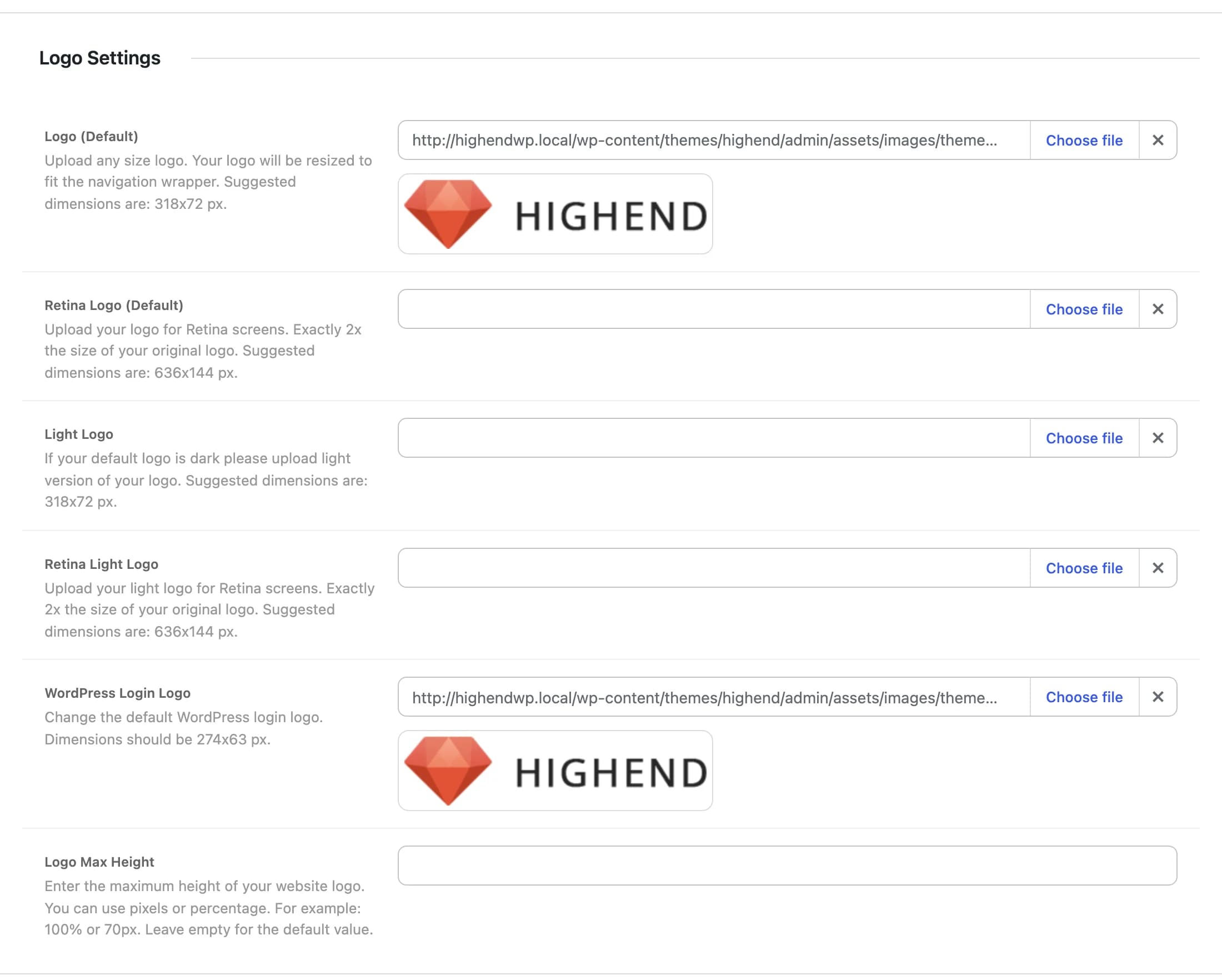
Highend logohb_logo_optionYour site logo, shown in the header and side navigation. Any size works. Highend resizes it to fit the navigation. Suggested dimensions: 318×72px.
hb_logo_option_retinaA version at exactly 2× the size of your default logo, for retina/high-DPI screens. Suggested dimensions: 636×144px.
hb_logo_light_optionA light-colored version of your logo, shown automatically wherever the header or side navigation is set to a transparent style, for example, a transparent Side Panel background. Suggested dimensions: 318×72px.
hb_logo_light_option_retinaThe Light Logo at exactly 2× its size, for retina screens. Suggested dimensions: 636×144px.
Highend logohb_wordpress_logoReplaces the WordPress logo on the wp-login.php screen. Dimensions should be 274×63px.
hb_logo_max_heightCaps how tall the logo can render, in pixels or a percentage (for example 70px or 100%). Leave empty to use the theme's default.
An individual page can swap in a different logo using Alternative Logo in the Header tab of its Highend Settings box, useful for a one-off page that needs its own branding.