404 Page Settings
Customize the title, subtitle, button, and icon shown on Highend's built-in 404 page.
Where to find it: Go to HighendHighend Options404 Page Settings.
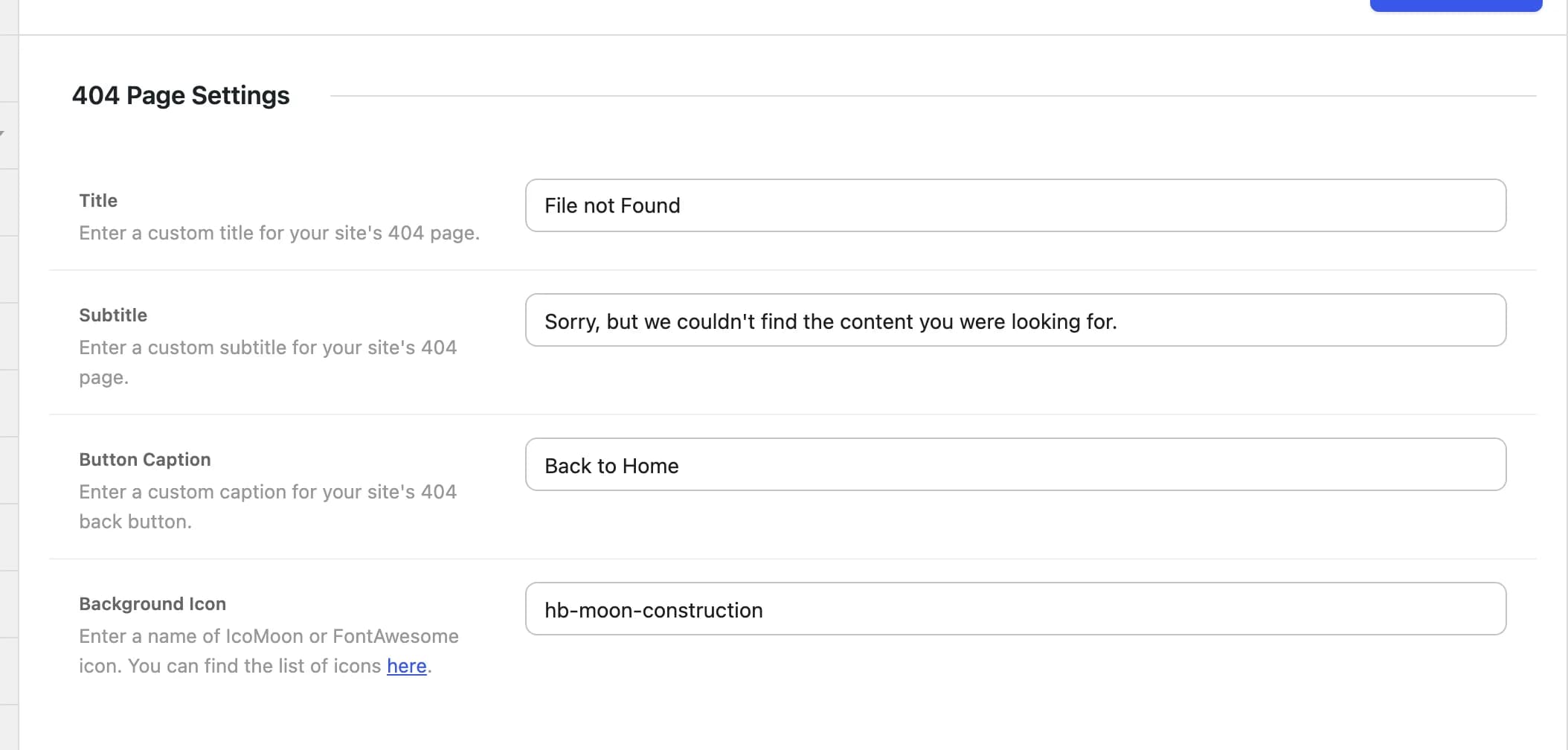
File not Foundhb_404_titleMain heading on the 404 page.
Sorry, but we couldn't find the content you were looking for.hb_404_subtitleText shown below the title.
Back to Homehb_404_button_captionLabel of the button that links back to the homepage.
hb-moon-constructionhb_404_iconThe large icon behind the 404 page's text. Click Choose icon to search the IcoMoon and FontAwesome icons and pick one, or type an icon name. See Icons.
How it works
404.php is a thin wrapper that runs the highend_404_page action; the actual title, subtitle, button, and icon are printed by the highend_404_page() function in functions/template-parts.php, which reads the four settings above.
This tab only appears if the Theme Settings: 404 Page module is enabled in Highend Modules. It's on by default. If you turn it off, the 404 template itself still shows; it just falls back to a fixed title, subtitle, button, and icon instead of the values above.