Portfolio Carousel
A sliding carousel of portfolio items, in a standard image style or a descriptive style with an excerpt.
Portfolio Carousel slides through your portfolio items a few at a time, in a plain image style or a "descriptive" style that adds an excerpt and date.
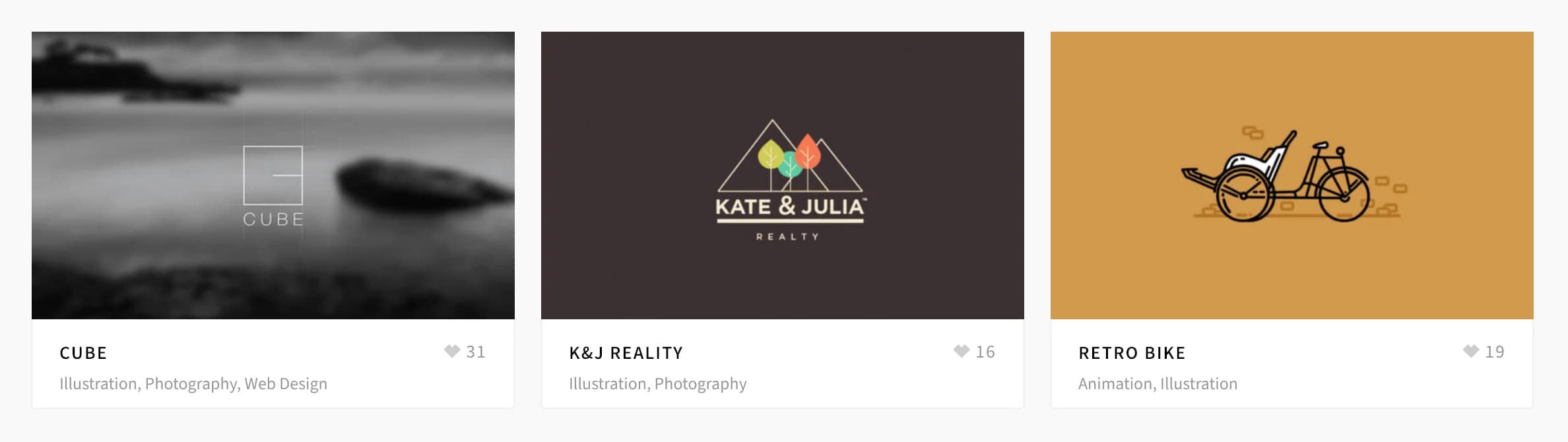
Make sure Custom Post Type: Portfolio is on in HighendHighend OptionsHighend Modules (see Modules). When it's off, this element still appears under Add Element, but renders nothing on the front end.
Add it
In WPBakery, click Add Element and pick Portfolio Carousel from the Highend Shortcodes tab. Or use the shortcode. See Shortcode.
Settings
StandardstyleStandard shows just the image, title, and categories. Descriptive adds the item's excerpt and publish date below the title.
2visible_itemsHow many items show at once, from 2 to 8.
8total_itemsHow many portfolio items to pull in. Enter -1 for all items.
5000carousel_speedAutoplay interval in milliseconds.
Enableauto_rotateTurns autoplay on or off.
categoryLimit items to one or more portfolio categories. Enter category slugs separated by commas. Leave empty for all categories.
DateorderbyOptions: Date, Title, Random, Comment Count, Menu Order.
DescendingorderDescending or Ascending.
Each item links to its single portfolio page, or its Custom Link if one is set (see the Portfolio Page tab). If Likes is on for portfolio in Theme Options > Portfolio, a like count shows next to the categories.
Shortcode
[portfolio_carousel style="descriptive" visible_items="3" total_items="8" category="branding" carousel_speed="6000" auto_rotate="yes"]In Descriptive style, the excerpt is always trimmed to a fixed 10 words; there's no excerpt_length attribute for this element (unlike the blog carousels).