Stacked Images
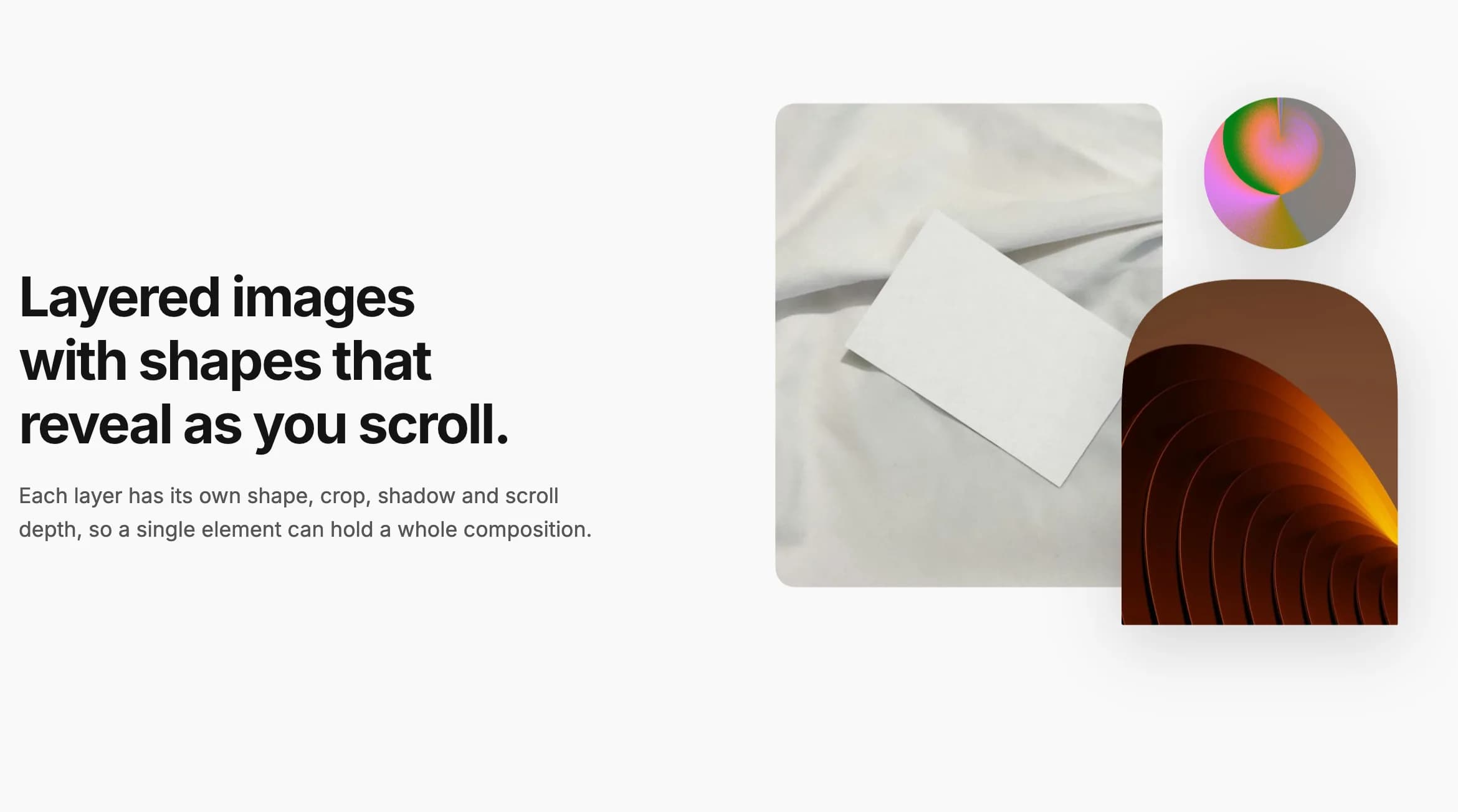
Two or more images layered on a shaped stage, each with its own position, rotation, shape, and shadow, revealed one after another.
Stacked Images layers two or more images on a shaped stage, each with its own size, position, rotation, shape, and shadow, useful for a hero or about-page photo collage. The layers reveal one after another when the element scrolls into view, and can drift at different speeds as the page scrolls.
Add it
In WPBakery, click Add Element and pick Stacked Images from the Highend Shortcodes category. Or use the shortcode. See Shortcode.
Settings
layersAdd two or more layers. Layers further down the list sit on top of the ones above. See Each layer below.
Portrait (4:5)ratioShape of the stage the layers are placed on; layers can reach outside it. Options: Portrait (4:5), Tall (3:4), Square, Landscape (4:3), Wide (16:9).
16radiusIn pixels, for rectangle, arch, and diagonal layers.
Roundcorner_shapeHow rounded corners are drawn. Options: Round, Squircle, Soft squircle, Bevel (cut corners), Scoop (inward curve), Notch (inward square). Browsers without corner shape support show normal rounded corners.
Each layer
imageThe layer's image.
widthIn percent of the element's width. The default two-layer preset uses 70 and 45.
leftDistance from the left edge, in percent of the element's width. Can be negative. The default preset uses 0 and 50.
topDistance from the top edge, in percent of the element's height. Can be negative. The default preset uses 0 and 40.
RectangleshapeOptions: Rectangle, Arch, Circle, Capsule, Diagonal cut, Blob, Fade out at the bottom.
OriginalratioOptions: Original, Portrait (4:5), Tall (3:4), Square, Landscape (4:3), Wide (16:9).
NoneshadowOptions: None, Small, Medium, Large.
rotateIn degrees, for example 4 or -6.
depthFrom -5 to 5. The layer drifts while the page scrolls; higher numbers drift more, negative numbers drift the other way.
altLeave empty to use the image's own alt text.
Animation tab
Wipe uprevealLayers reveal one after another when the element scrolls into view. Options: Wipe up, Wipe and zoom, Wipe from the left, Soft wipe, Circle, Fade up, None.
180staggerIn milliseconds. Only shown when Reveal Animation isn't None.
Common settings
Stacked Images also has an Extra class name field. See the Elements overview. It has no Entrance Animation or Entrance Delay fields; the Reveal Animation above plays that role.
Shortcode
Layers are saved as one encoded attribute, so it's easier to build this shortcode by adding layers in WPBakery than to type it by hand:
[hb_stacked_images layers="%5B%7B%22image%22%3A%22123%22%2C%22width%22%3A%2270%22%2C%22left%22%3A%220%22%2C%22top%22%3A%220%22%7D%2C%7B%22image%22%3A%22456%22%2C%22width%22%3A%2245%22%2C%22left%22%3A%2250%22%2C%22top%22%3A%2240%22%2C%22shadow%22%3A%22large%22%7D%5D" ratio="portrait" radius="16" reveal="wipe-up" stagger="180"]