Modal Window
Show any content in a popup window, opened by a button, a link you add yourself, or automatically on page load.
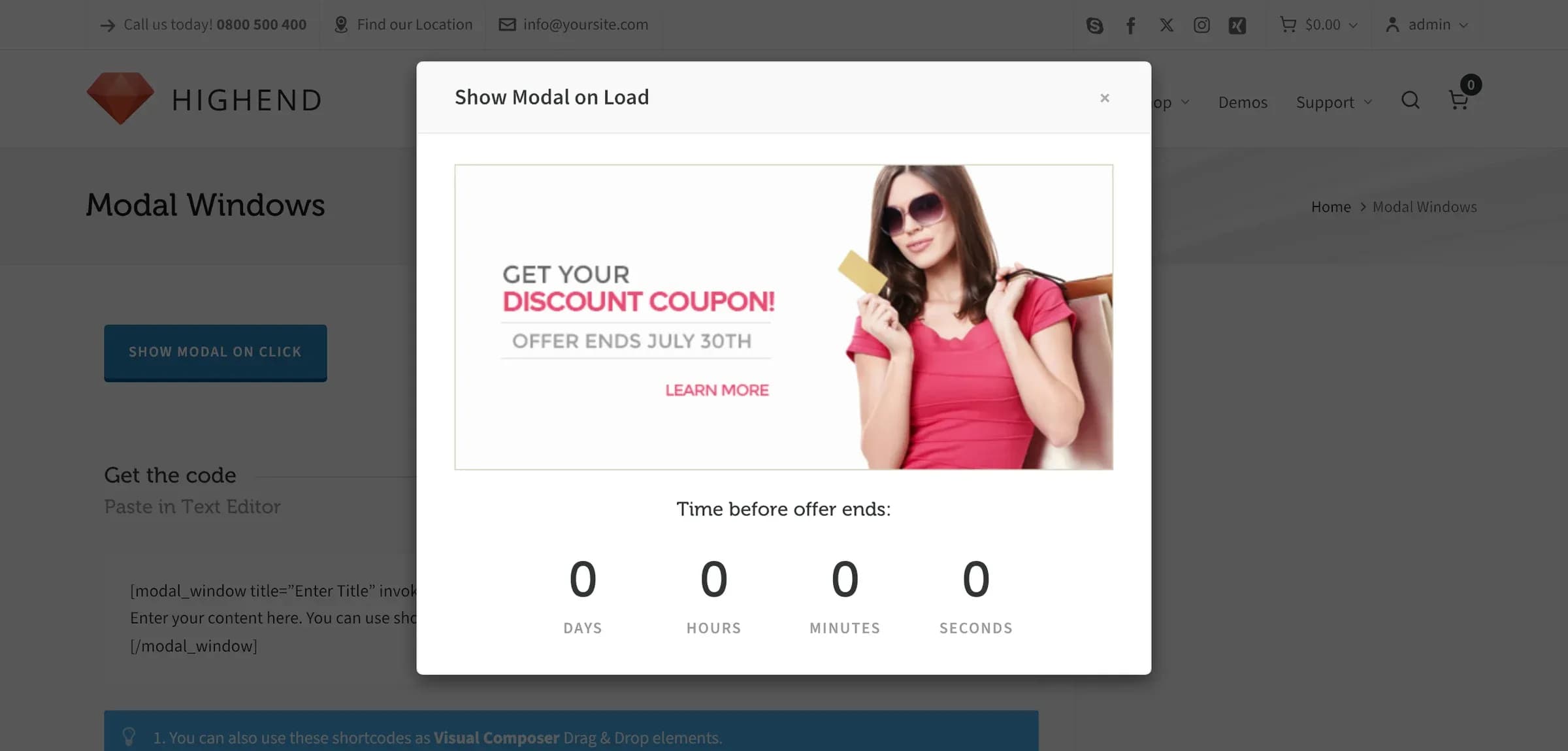
Modal Window renders its content in a popup that's hidden by default and overlays the page when triggered. It can show any other shortcode inside it: text, images, even a countdown.
Add it
In WPBakery, click Add Element and pick Modal Window from the Highend Shortcodes category. Or use the shortcode. See Shortcode.
The modal's markup is printed once, in the page footer; placing the element anywhere on the page has the same effect, since it isn't visible in its normal position at all.
Settings
titleShown in the modal's header bar, next to the close button. Leave empty for no title.
contentThe modal's body, entered between the shortcode tags rather than in a field. Accepts other shortcodes.
invoke_titleCaption for a button, printed where you placed the shortcode, that opens the modal. Leave empty if you don't want this button; see Open it another way below.
Yesshow_on_loadWhether the modal opens automatically when the page loads. Options: Yes, No.
idA unique ID (no spaces) for this modal, so you can open it from a link elsewhere on the page. Auto-generated if left empty.
If you add a Modal Window and don't touch Show On Load, WPBakery leaves it set to Yes, so the modal pops up for every visitor as soon as the page loads. Set it to No if you only want it to open from a button or link.
Shortcode
[modal_window title="Enter Title" invoke_title="Show Modal on Click" show_on_load="no"]
Enter your content here. You can use shortcodes also.
[/modal_window]
The modal's body is the content between [modal_window] and [/modal_window]; it maps to the Callout Content field, not an attribute.
Open it another way
Besides the built-in Invoke Button Title button, any link or button elsewhere on the page opens the modal if it has the modal-open class and a data-modal-id attribute matching the modal's ID:
[modal_window id="my-modal" title="Get in touch" show_on_load="no"]Content here...[/modal_window]

<a href="#" class="modal-open" data-modal-id="my-modal">Open the form</a>
Set Optional Unique ID to a fixed value (like my-modal above) so you know what to reference; otherwise Highend generates a random ID each time the page renders, and you can't target it reliably from outside the shortcode.