Dropcap, highlight & tooltip
Three inline text shortcodes for use inside a paragraph: a decorative first letter, a text highlighter, and a hover tooltip.
dropcap, highlight, and tooltip are small inline shortcodes you wrap around a word or letter inside a paragraph, rather than standalone elements. None of them have a WPBakery mapping; type them directly into text.
Add them
These are shortcode-only. Type them directly, or select some text in the Classic Editor and use the Highend Shortcode Generator button, which wraps your selection in the shortcode automatically.
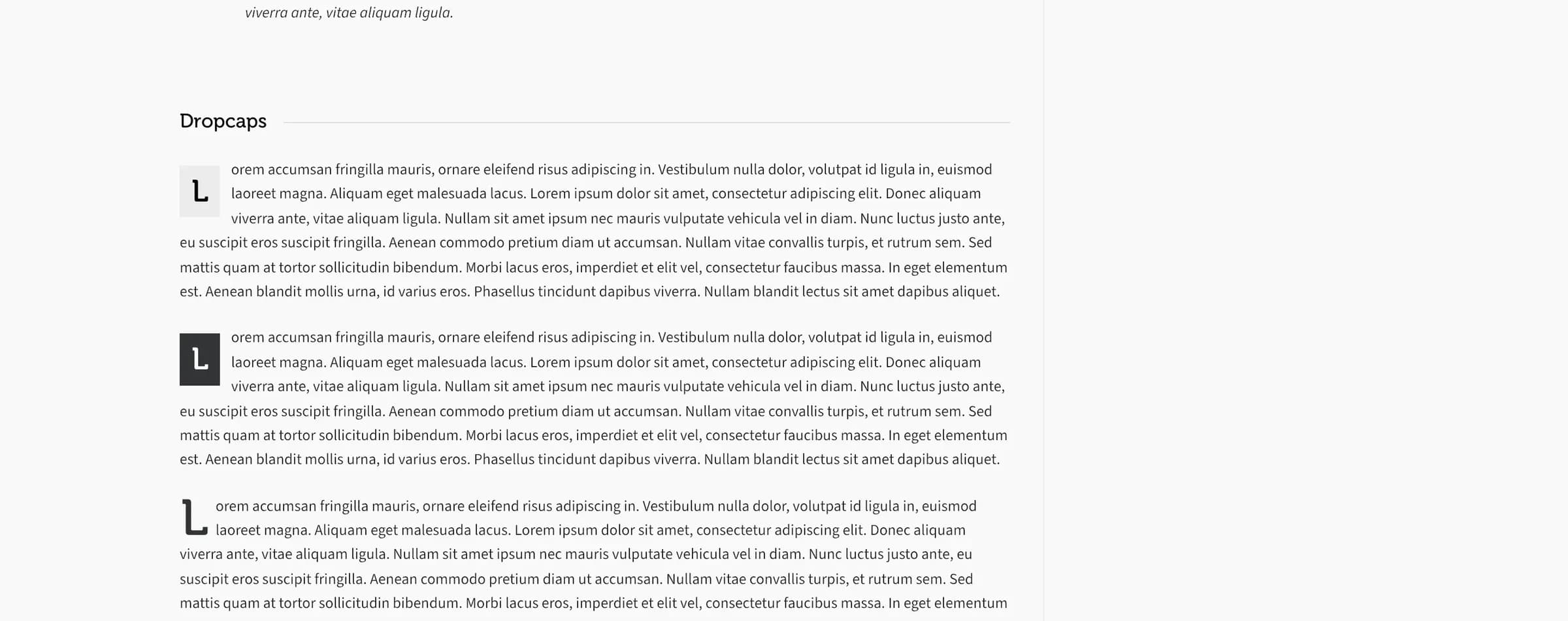
Dropcap
Styles the first letter (or a few letters) of a paragraph as a large decorative drop cap.
Prop
Type
[dropcap style="dark"]L[/dropcap]orem ipsum dolor sit amet...Highlight
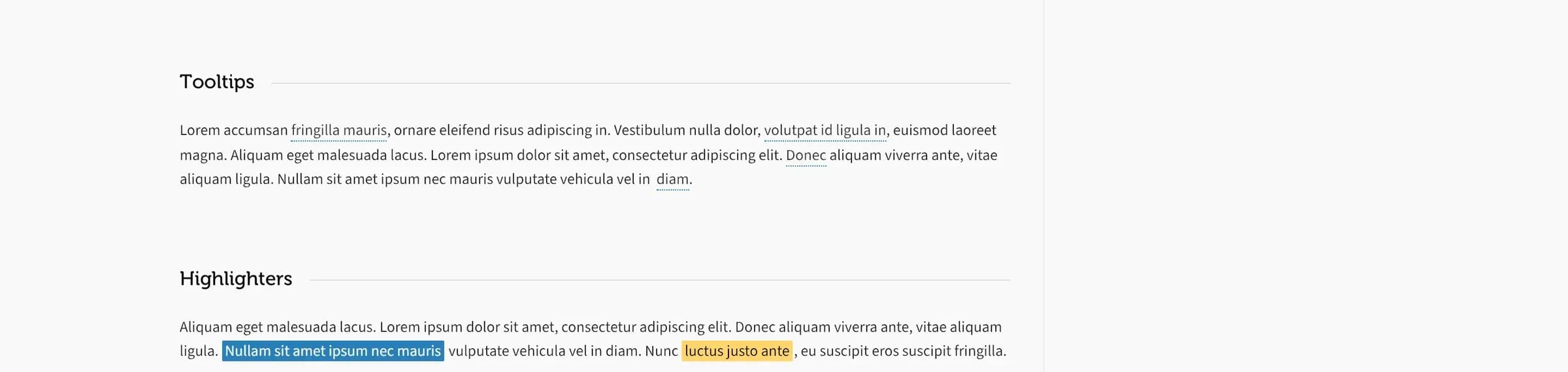
Highlights a phrase with a colored background, like a highlighter pen.
Prop
Type
[highlight style="alt"]this phrase[/highlight]Tooltip
Shows a small tooltip when the reader hovers over the wrapped text.
Prop
Type
[tooltip position="top" text="Click to learn more"]this phrase[/tooltip]