Separator
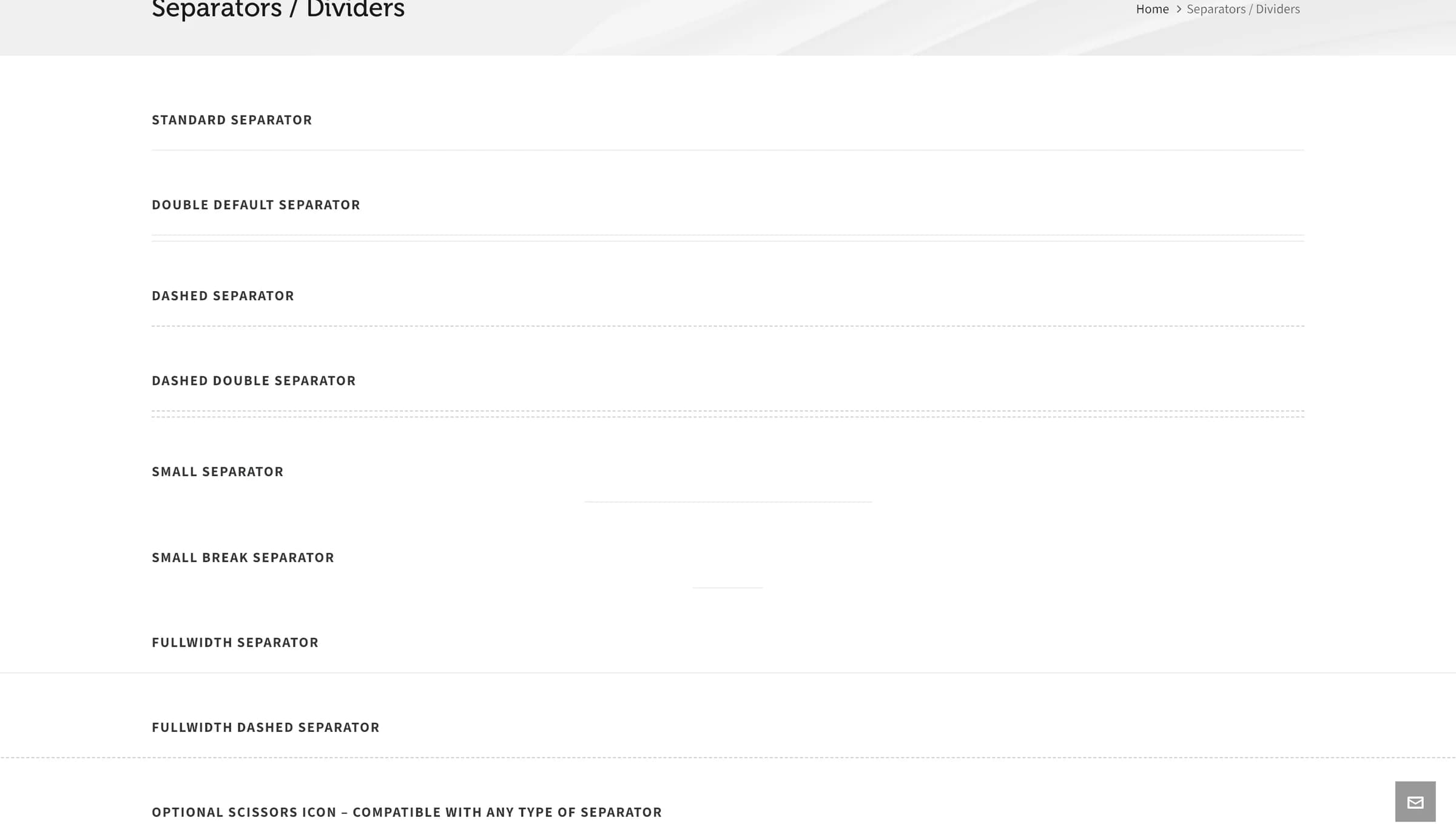
A line separator with several styles, an optional scissors icon, and a "go to top" link.
Separator draws a horizontal rule between sections of content, in one of several line styles, with optional extras like a scissors icon or a "go to top" link.
Add it
In WPBakery, click Add Element and pick Separator from the Highend Shortcodes category. Or use the shortcode. See Shortcode.
Settings
DefaulttypeOptions: Default, Small Break, Default Double, Dashed, Dashed Double, Small, * Fullwidth, * Fullwidth Dashed. The two fullwidth styles don't support all of the other options and are meant for a fullwidth layout.
Offscissors_iconAdds a small scissors icon on the line, for a "cut along here" effect.
Offgo_to_topAdds a "Go to top" link that scrolls back to the top of the page.
margin_topTop margin. Enter a number for pixels, or a value with a unit (em, %, etc).
margin_bottomBottom margin. Enter a number for pixels, or a value with a unit (em, %, etc).
Common settings
Separator also has Entrance Animation, Entrance Delay, and Extra class name fields. See the Elements overview.
Shortcode
[separator type="dashed" scissors_icon="yes" margin_top="20" margin_bottom="40"]